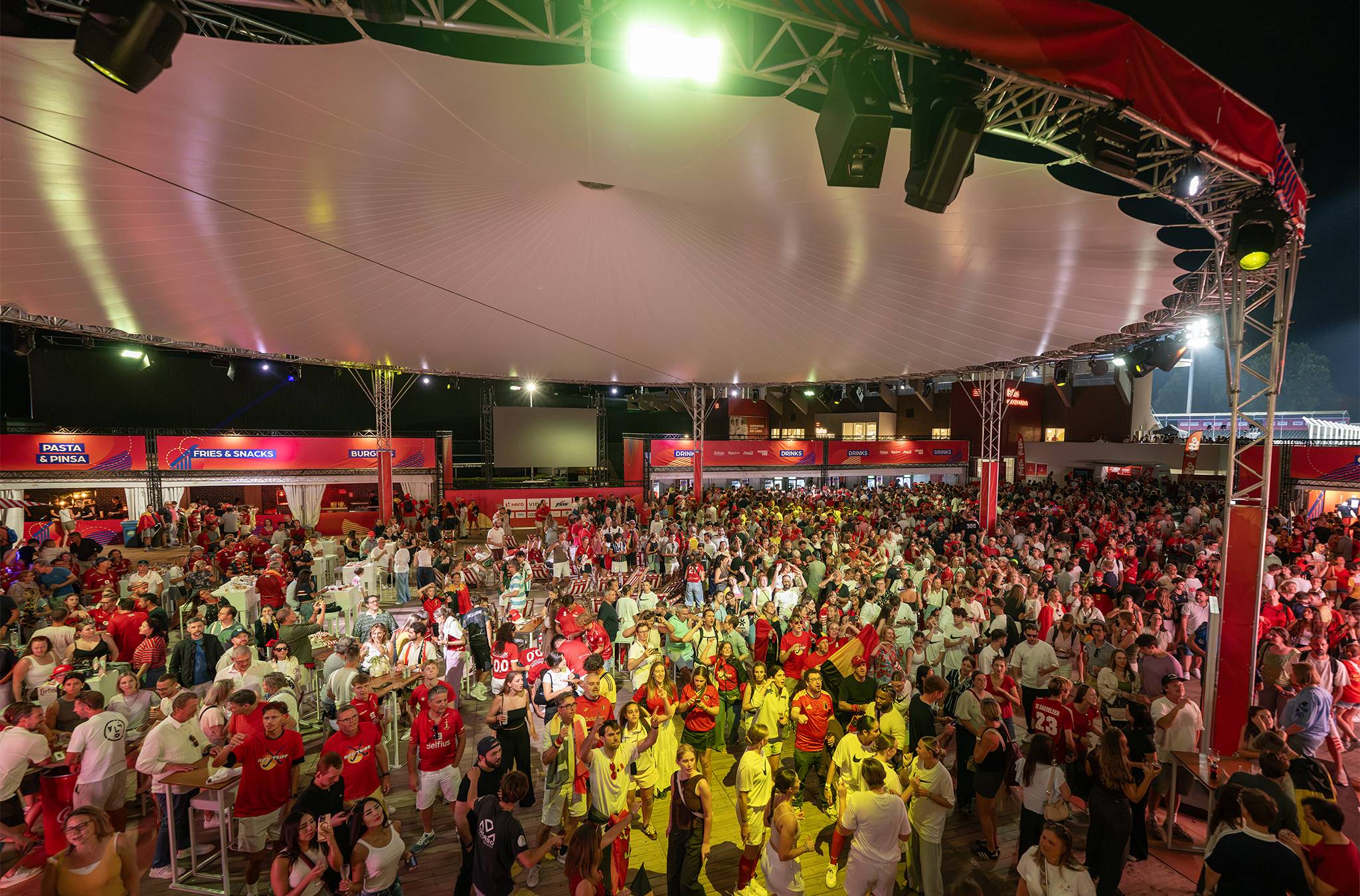
Ordering drinks by phone at a festival: when it works, and when it doesn't
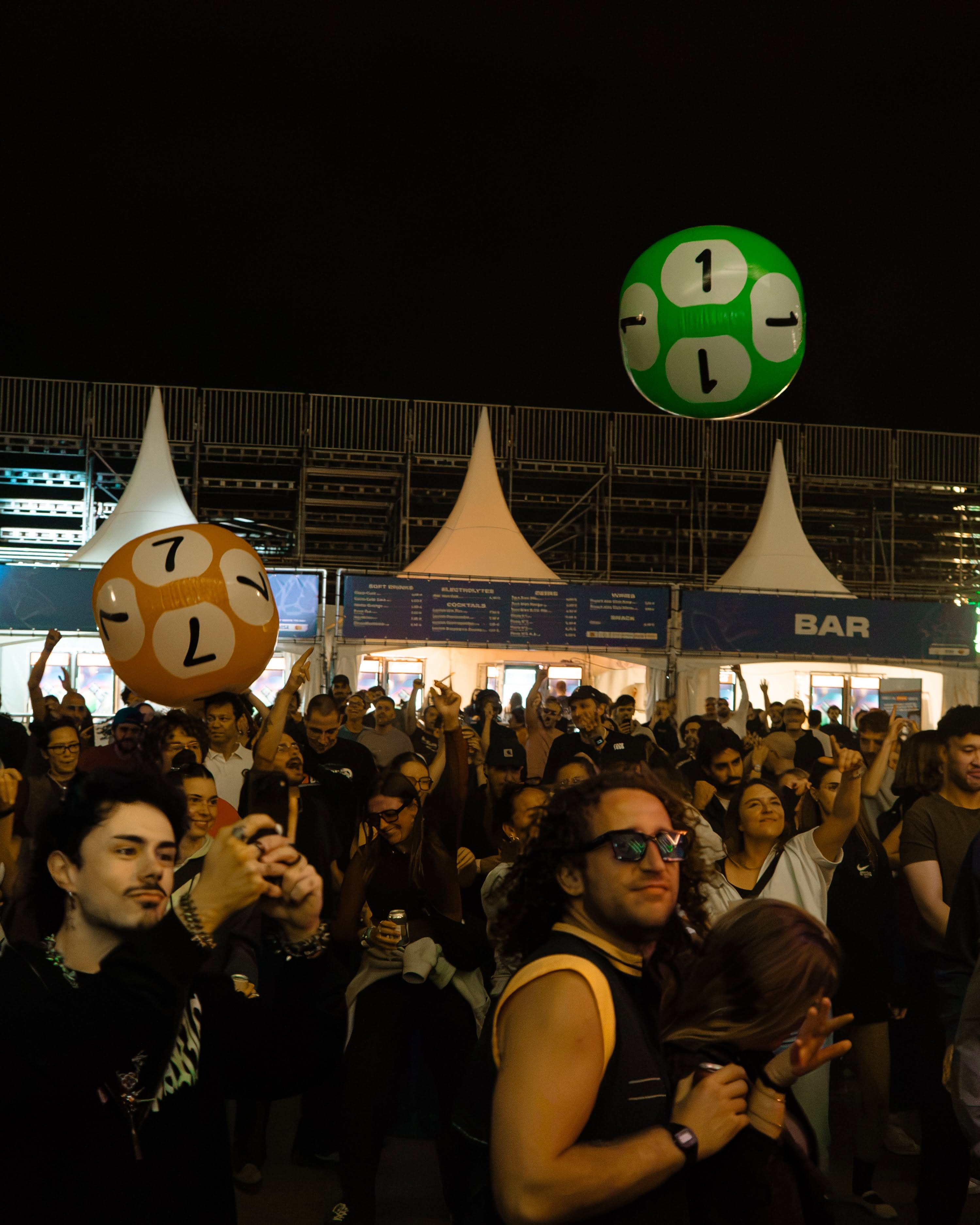
Use phone ordering at your festival for food, VIP and seated areas.
For standing guests and quick rounds, ordering at the bar stays the best choice.
Our advice: start with one zone where waiting is the problem, not pouring. Run phone orders through the same system as your bars.
- The visitor scans, orders and pays in the browser, with no app.
- Use phone ordering where preparation or the queue takes long.
- At the main bar with standing guests, keep ordering at the counter.
- Each QR code is tied to a zone, so the order reaches the right bar.
- Always keep a terminal nearby for people without a phone or signal.
How does ordering drinks by phone at a festival work?
The visitor scans a QR code, orders and pays on their phone, then picks up or gets it brought over.
- Scan: each code is tied to a zone, a table or a stand. That's how the system knows where the order goes.
- Order and pay: the menu opens in the browser. Which payment methods the visitor sees depends on your payment partner.
- Prepare: drinks go to the bar, food to the kitchen, each on its own ticket.
- Pick up or deliver: Delivery to the table, Pickup at the stand, or the Fastlane, where the visitor shows their QR code and walks on.
How it works on a terrace or in a café is covered in ordering via QR code.
In 30 minutes we'll show you how a QR order lands at the right bar or kitchen, alongside sales at your terminals.
Where does phone ordering work at a festival?
It works where visitors would otherwise wait a long time for something that takes time, or where they're seated.
- Food stands: grilling a burger takes longer than paying. The visitor orders, waits somewhere else and picks up.
- VIP and hospitality: guests at tables order without anyone walking round with a card.
- Seated areas and terraces: every table gets its own code, so runners know where to go.
- Sponsor campaigns: a fast lane for people paying with the payment partner puts that partner in sight at the bar.
When is the bar faster than the phone?
At the main bar, at the busiest moment, the phone adds steps. At the counter, the visitor orders and pays in one go.
| Situation | Phone ordering | Terminal at the bar |
|---|---|---|
| Beers between two sets | Extra steps for the visitor | Best for quick rounds |
| Burgers at a food stand | Order, walk off, pick up | Wait in the queue |
| VIP tables | Order from your seat | Waiter with a terminal |
| Visitor without signal | Doesn't work | Staff member takes over |
A phone order also needs mobile data on the visitor's phone. On a packed site, they share that with thousands of others.
How do you combine phone orders with your bars?
Run everything on one platform: orders at the counter, at the table and by phone.
- One menu: the same products, prices and stock, whether the order comes from a phone or the counter.
- Preparation per service point: bar, food or cocktails each get their own orders.
- One report: all revenue, per bar and per zone, without two systems side by side.
At the Lokerse Feesten, the hospitality areas did it the other way round: waiters took orders at the table with an all-in-one terminal. That works too, and for some guests a person at the table is the service. All options are on the page about our ordering and payment software.
What do you sort out before offering phone ordering?
Six things, ideally before ticket sales open.
- Zones: mark which stands, tables and terraces get a QR code.
- Menu: keep it short, with products you can prepare quickly.
- Payment methods: check which methods your payment partner offers.
- Information: say before ticket sales how visitors pay. If you use your own payment method, the FOD Economie guidelines (in Dutch) also ask you to say whether they need a smartphone and internet.
- Network: make sure the bars and kitchens receiving orders have a stable connection.
- Test: order with your team at a quiet moment, on different phones.
In practice: Brussels Urban Sessions
The event: three days of urban sports in Brussels' Jubelpark, with 27,000 visitors. Urban Sessions has worked with Beyond Ordering since 2022.
The challenge: food and beverage revenue is unpredictable, but essential. Sponsors had to mean something to visitors, with a small team and no extra work.
The setup: over several editions, visitors paying with Payconiq (now Bancontact Pay) could skip the bar queue via a fast lane: show & go. Customers of sponsor Cera got a QR voucher with their ticket, with credit for the bars and food trucks. The organisers switch campaigns like these on and off themselves, per edition and per time slot.
The result: many visitors chose the fast lane or used their voucher. Sponsors got visibility at the bar.
Also with Beyond Ordering: Zomerbar Bloom, Lokerse Feesten, Tall Ship Races and KapAlpen.
Frequently asked questions
Does a festival visitor need to download an app to order?
No. The QR code opens the menu in the phone's browser, and that's where they pay too.
What if the payment on the phone fails?
Then a staff member takes over the order on a terminal. So put a device at every zone with QR codes too.
Can orders be delivered across the festival site?
To a table or a fixed spot with its own QR code, yes, through the Delivery flow. In a standing crowd, there's no fixed spot to bring it to.
Can I make a sponsor visible at the bar?
Yes: give the sponsor a role in the ordering or payment flow, such as a fast lane for people paying with the payment partner or a QR voucher with the ticket. That's what Brussels Urban Sessions did.
Pick your first zone for phone ordering
Look at your site plan and find where visitors wait longest for something that takes time. Start there.
In a 30-minute demo we'll show you the flow on the phone and at the bar, or start with our cashless payment system for festivals. Rather ask a question first? Get in touch.
Phone ordering next to your bars
In 30 minutes we'll show you how a QR order on a phone lands at the right bar, alongside your regular sales.
Read more stories from our blog
Opening a summer bar: what do you sort out first?
Opening a summer bar starts in winter: first the site, then the KBO, FAVV, a drinks licence and a till that takes both cash and card.

Single-use cup ban in Belgium: which cups are still allowed in 2026?
The single-use cup ban in Belgium: what's still allowed at events, in your café and for takeaway? Flemish, federal and EU rules side by side.

Several bars in one venue: how do you track stock and sales per bar?
Running several bars in one venue? Track stock and sales per bar: each bar its own sales point, log transfers and count at closing against the report.