Ordering via QR code in your bar or restaurant: how it works

Ordering via QR code means guests scan a code on their table, open your menu in their browser, and order and pay in one go.
The order goes straight to the bar or kitchen, so staff deliver instead of taking orders. If you fall under the GKS, Belgium's registered till rules, these orders must also run through your registered till.
At Zomerbar Bloom, more than 95% of orders now come in this way.
Our advice: run QR ordering next to the waiter and the bar, on the same system as your till. Then all takings land in one report.
- The guest scans, orders and pays upfront on the phone, with no app.
- The order splits itself: drinks to the bar, dishes to the kitchen.
- Waiters become runners, and there are no open bills at closing.
- Under the GKS, every QR order must end in a GKS ticket.
- Keep a person in the flow for groups, regulars and tabs.
How does ordering via QR code work, step by step?
Five steps, from the scan to the tray at the table.
Step 1: the guest scans the code on the table
Each table has its own code, so the system knows where the order must go. Beyond Ordering uses location-aware codes for this.
Step 2: the menu opens in the browser
No app to download. The guest sees the same menu, prices and stock as your till, and sold-out items have already disappeared.
Step 3: the guest orders and pays upfront
Payment happens on the phone before the order is sent, so there are no walk-outs and no open bills at closing time.
Guests pay with Bancontact (card or app), Apple Pay, Google Pay or a credit card. Which methods exactly depends on the payment partner you choose: Mollie, for example, adds iDEAL.
Guests can add a tip and choose the amount themselves (our post on peak days on the terrace).
Step 4: the order splits itself
Drinks go to the bar, dishes to the kitchen, each on its own ticket. Nobody reads through items that aren't theirs.
Step 5: a runner brings it to the right table
Because the order is paid and linked to the table, the runner only has to deliver it.
In 30 minutes we'll show you the guest's screen, the ticket at the bar and the report after closing, all in one flow.
QR, waiter or bar: which fits when?
QR ordering works best next to the other two flows, not instead of them.
| QR at the table | Waiter with a terminal | Order at the bar | |
|---|---|---|---|
| Who takes the order | The guest, on their phone | A waiter, at the table | Bar staff, at the counter |
| When payment happens | Before the order is sent | At the table, now or at the end | At the counter, straight away |
| Tab for a group | No, always paid upfront | Yes, a staff member opens it | Yes, a staff member opens it |
| Staff needed | Runners and preparers | Waiters, runners and preparers | Bar staff |
| Best for | Terraces and seated guests at peak hours | Guests who want personal service, groups, regulars | Standing guests and quick rounds |
In our set-up the three flows run in one system, so the takings land in one report. Our page on QR ordering for hospitality shows the set-up we run in bars, cafés and clubs.
What changes for your team?
Fewer people take orders, and more of your team prepares and delivers them. On a busy terrace, that shifts three jobs:
- Waiters become runners: they carry out paid orders and stay available for guests who want to talk to someone.
- The bar and kitchen work from their own tickets: each station gets only what it must prepare.
- Closing gets shorter: online orders are paid, so there's no stack of open bills to settle.
Your menu is easier to run too. You change prices or take an item off in the dashboard, and every table sees it at once.
What does the GKS rule say about QR orders in Belgium?
Under the GKS, QR orders need the same safeguards as your registered till. The guest gets the VAT receipt from that till (how to use the GKS).
Once you're under the GKS, that ticket applies to drinks too, not only to meals.
That's how our GKS 2.0 certified set-up works.
Our guests order online by scanning the QR codes on the tables. Orders are automatically split between our bar and kitchen, allowing us to serve our guests much faster and more efficiently.

In practice: Zomerbar Bloom
The event: Zomerbar Bloom is a summer bar with a busy terrace. Almost every order there starts with a scan.
The challenge: guests waited too long for a waiter, orders got mixed up when they were taken and open tabs didn't add up at the end of the night.
The setup: each table now has its own location-aware code. Orders split automatically between the bar and the kitchen, and runners only deliver.
Guests who prefer a person still get one. Staff enter those orders on an all-in-one terminal, and those cash and card payments join the QR orders in the back office.
The result: as Bloom's story reports it, more than 25% fewer staff on the terrace. Throughput and revenue per table went up, and no bill was left unpaid.
Also running on Beyond Ordering: hospitality venues such as Bar Bernaar, Het Paviljoen and Bar Provisoir.
When should you keep the waiter in the loop?
Keep a person in the flow for guests who want personal contact, for groups that want one bill at the end and for regulars.
A tab is the clearest case. QR orders are paid upfront, so a group that wants a tab needs a staff member to open it on the terminal (our café guide).
Terraces are where QR pays off fastest. Our terrace post covers the guest frustrations it removes, such as waiting for the bill.
Checklist before the codes go on the tables
Run through these six points before your first busy weekend.
- Map every table and zone that gets a code, including the terrace.
- Decide which stations receive which items: bar, kitchen, a second bar.
- Check that your QR menu, prices and stock come from the same system as your till.
- If you're under the GKS, confirm that QR orders end in a GKS ticket.
- Decide who opens tabs and who handles guests who prefer a waiter.
- Test the flow with your team on a quiet evening, phones included.
Choosing the till behind it at the same time? Look at our terminals and hardware and our ordering and payment software.
Frequently asked questions
Do guests need to download an app?
No. The code opens the menu in the phone's browser, and the guest orders and pays there.
Why can a guest not pay by QR code?
Common causes: the method they want isn't in the checkout, or their phone has no connection.
Either way, a staff member can take the order and the payment on a terminal.
Where do I get QR code stickers for my tables?
Get them from your ordering system, not a free generator. Each code must be linked to one table, or the runner doesn't know where to go.
We make unique QR codes for every table in your brand style, on the material you pick: flexible stickers, sturdy Forex or premium aluminium (our service options).
Can guests run a tab through the QR code?
No. QR orders are always paid upfront. For a group that wants one bill, a staff member opens a tab on the terminal.
Put a QR code on one table and watch it work
The best test is your own terrace on a busy evening.
In a 30-minute demo we show you the guest's screen, the ticket at the bar and the report after closing, all in one flow. Rather ask a question first? Get in touch.
QR, waiter and bar on one system
In 30 minutes we'll show you the guest's screen, the ticket at the bar and the report after closing, with all takings in one report.
Read more stories from our blog
Hospitality VAT in Belgium: which rate for your café or restaurant?
Hospitality VAT in Belgium: 12% on served food, 21% on every drink you serve, 6% on food and soft drinks to take away. With a worked bill.

How to organise a fuif: the bar, the till and no more drink tickets
Organise a fuif in five steps: registration, Unisono, the bar, reusable cups and a till with one queue instead of paper drink tickets.
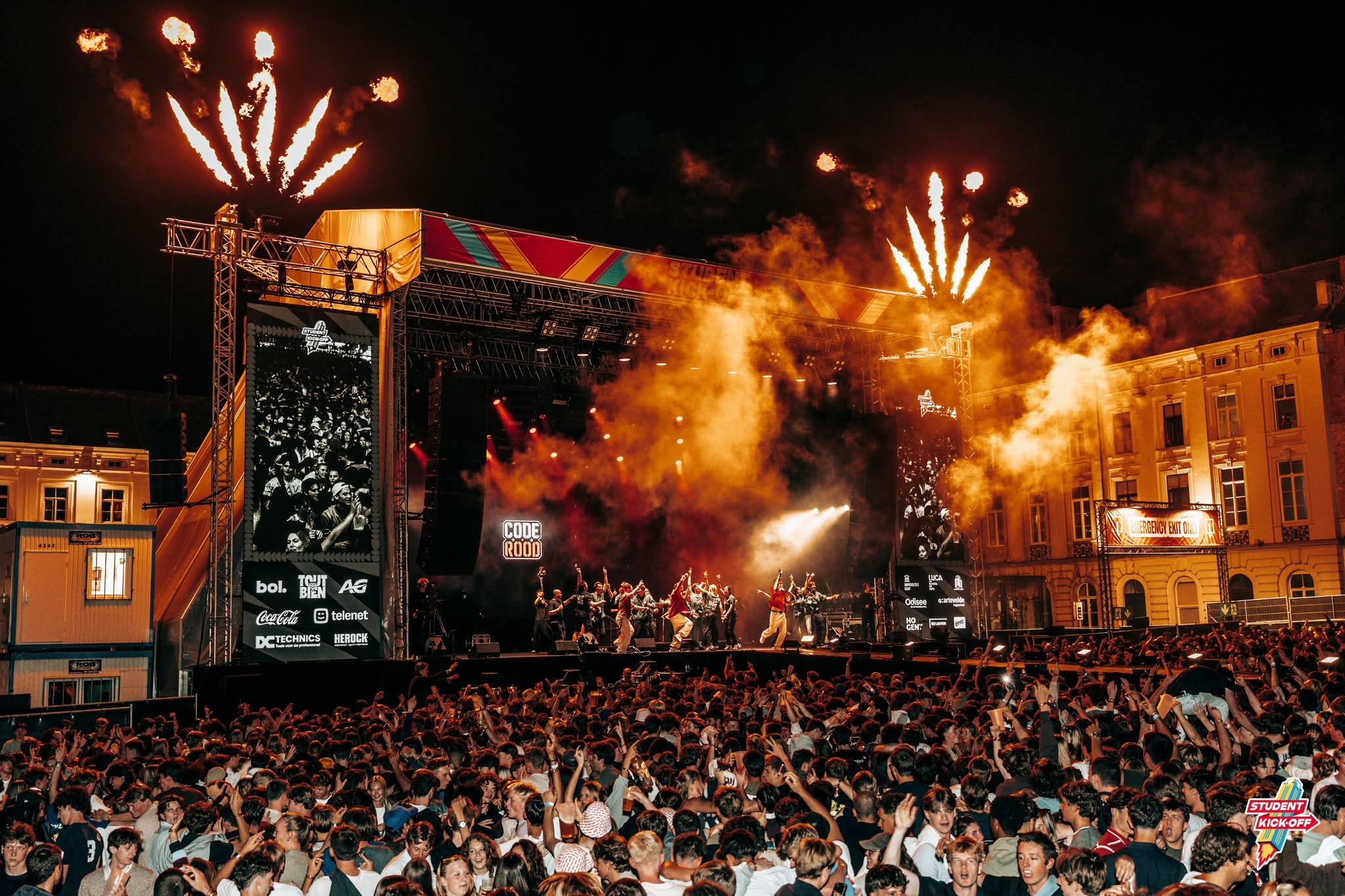
Cashless festival: how it works from top-up to refund
How a cashless festival runs on the day: top-up points, the bar, crew credit, cups, closing time and refunds, seen from the organiser and the crew.