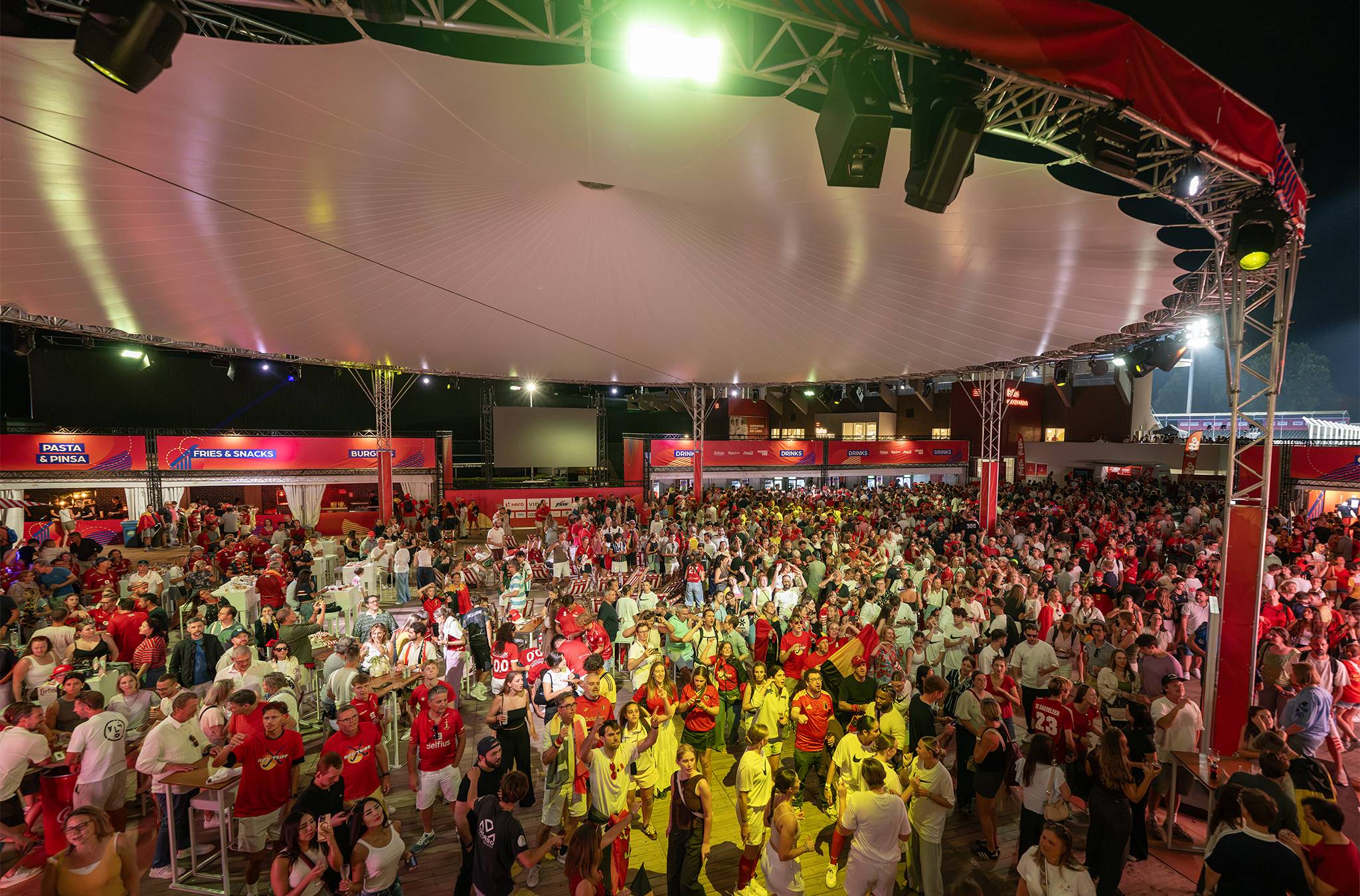
Renting a POS for an event, a pop-up or a season: rent or buy?

Status on 17 November 2026: since 1 July 2026, a new hospitality business in Belgium that needs a registered cash register system (the "white till") has to use GKS 2.0 straight away, the FPS Finance announced. Businesses that already have one get a transition period until 2027, 2028 or early 2029, depending on when they bought the till. It's only required above €25,000 a year in meal sales per establishment, excluding VAT and drinks.
For an event, a weekend or a season, renting a POS usually beats buying one.
Buying only pays if your business runs all year, or comes back every year with the same setup.
Our advice: rent the till and the card terminal as one device. Then you record the sale and take the payment without linking two systems.
- Renting pays when your business doesn't run all year.
- An all-in-one terminal is a till and a card terminal in one.
- You pay for devices, software, payments and service, not just hardware.
- A registered cash register is only required above €25,000 in meal sales a year.
- A fixed till plus extra rented devices for peaks works too.
Renting a POS for an event or buying one: which fits?
It depends on how long you're open, and whether you'll be back next year.
| Your situation | Rent | Buy |
|---|---|---|
| Pop-up or market, one weekend | Yes | Rarely |
| Summer or winter bar, one season | Usually | If you return every year |
| Fixed venue, open all year | For busy peaks | Yes |
| Unsure you'll be back next year | Yes | No |
A till you bought sits in a cupboard for the rest of the year.
A rented one goes back, and you only pay for the time you use it.
In 30 minutes we'll show you which devices suit your pop-up and how you get them running for your season.
What comes with a rented till?
More than a device. A good rental till is hardware, software and help when things go wrong.
These are the devices on the Beyond Ordering hardware page:
- Mobile terminal: till and payment in one handheld, on 4G or wifi, up to 14 hours on one charge.
- Mobile POS: a 10-inch tablet with contactless payment and a Bluetooth or USB printer.
- Fixed POS: a 15.6-inch till screen, optionally with a customer display.
- Accessories: PIN pad, receipt printer and cash drawer.
In the software you set your price list, QR ordering at the table and your reports.
Live 24/7 WhatsApp support comes as standard, according to the service page.
What do you pay for when you rent a till?
Not just the device. Ask for a quote that shows these costs separately:
- Devices: how many, which ones, and for how long.
- Software: per month, per season or per transaction.
- Payments: your payment partner's fee per card payment.
- Service: install it yourself, start-up help or someone on site.
- Delivery and return: who brings and collects, and when.
Beyond Ordering works with three service levels: Do it yourself, Start-up and Full-service.
With Do it yourself you get pre-configured devices, and support stays reachable on WhatsApp.
Do you need a registered cash register for your pop-up?
Only if you make more than €25,000 a year excluding VAT from meals, according to the FPS Finance.
For that threshold drinks don't count, not even with a meal. Once you're above it, every sale of food and drink in that establishment gets a registered till receipt.
So a summer bar that only pours drinks counts nothing towards the threshold. Careful with snacks: a bag of crisps or an ice cream your guest eats on site does count. A pop-up with a kitchen gets there faster.
If you're starting out, you estimate yourself whether you'll pass the threshold, for example with a realistic business plan.
If you expect to go over it, you register by the end of the second month after you start. The registered till has to be in use by the end of the third month.
Beyond Ordering is officially GKS 2.0 certified. With GKS, your contract runs for at least a year. Without GKS there's no minimum term.
What a registered till asks of you otherwise is in our piece on the white till.
How fast is a rented till ready?
That depends on your setup and on the onboarding with the payment partner. Start at least a few weeks before you open.
At Beyond Ordering, a kick-off follows the tailored proposal.
Then you go through payment onboarding with KYC, and the platform and devices are set up for you.
Before you open, your team gets a briefing.
More on seasonal bars is on the solution for pop-ups, summer bars and catering.
The greatest asset of Beyond Ordering is its immense flexibility. We maintain stable operations in our music club, but for our summer events, we scale up in a heartbeat by renting exactly the extra hardware we need. No unnecessary overkill or costs in the winter, just maximum capacity and speed when we're going all out outdoors in the summer.

In practice: Muziekclub N9
The event: Muziekclub N9 runs most of the year in its own concert hall. In summer the club moves outdoors with big events such as Huymanshoeve and Helden in het Park.
The challenge: buying a large number of terminals for good is financially unwise, and overkill the rest of the year. Too little hardware in summer means long queues.
The setup: a compact, fixed setup of all-in-one terminals in the club. For the summer events, N9 rents extra mobile terminals for the outdoor terraces and bars.
The result: N9 only pays for the extra hardware when it's actually generating revenue. Volunteers and bar staff work with the same software in summer and winter, according to the customer story.
Also with Beyond Ordering: KapAlpen, Zomerbar Bloom, Coretec Dome and Dans le Jardin.
Frequently asked questions
What's the difference between renting a till and renting a card terminal?
A till records what you sell; a card terminal takes the payment. An all-in-one terminal does both, on one device.
Can you rent a registered cash register?
The official GKS pages of the FPS Finance say nothing about renting or buying: they require a till and fiscal data module certified as GKS 2.0. Check the list of certified systems and ask your accountant how your registration works.
Do you need wifi for a rented till?
Not necessarily. The mobile terminal has a SIM card for 4G, and an offline buffer catches sales if the connection drops.
What happens to your figures after the rental?
Ask how long your reports stay available and whether you can export them. With Beyond Ordering, the reports are in the platform, ready to analyse or export.
Put your season on paper before you ask for quotes
Write down your opening days, your sales points and your busiest hour. That lets you compare rental quotes on the same basis.
Want to see which setup fits your pop-up? We'll go through it in a 30-minute demo. Rather ask a question first? Get in touch.
A till that fits your season
In 30 minutes we'll show you which devices suit your pop-up and how you get them running for your season.
Read more stories from our blog
Opening a summer bar: what do you sort out first?
Opening a summer bar starts in winter: first the site, then the KBO, FAVV, a drinks licence and a till that takes both cash and card.

Single-use cup ban in Belgium: which cups are still allowed in 2026?
The single-use cup ban in Belgium: what's still allowed at events, in your café and for takeaway? Flemish, federal and EU rules side by side.

Several bars in one venue: how do you track stock and sales per bar?
Running several bars in one venue? Track stock and sales per bar: each bar its own sales point, log transfers and count at closing against the report.